Help: Add new Supplier
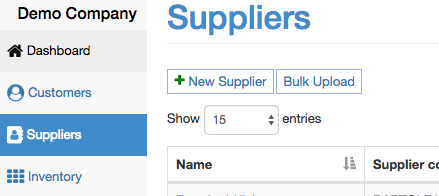
To add a new supplier, click on the "Supplier" menu and click "New Supplier"
Now add the supplier details:

Supplier Code - This is a unique internal code you use to reference the customer
Account Number - This is the account number provided to you by the supplier
Email - This is where remittance notices will default to being sent to via email.
Lead Time - This will appear in the purchase order form as a reference.
Minimum Order - This will appear in the purchase order form as a reference.
Centralized Biller - Used when you order from one supplier but pay another supplier eg: group buying.
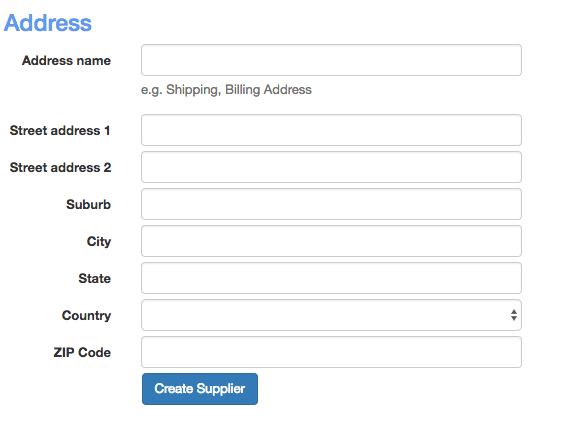
Address
At the bottom of the form you can add a default address. You will have the ability to add more than one address once the supplier is created.