Help: eCommerce Portal for customers
Enabling eCommerce for a customer
Browse to the customer and click on the contacts tab.
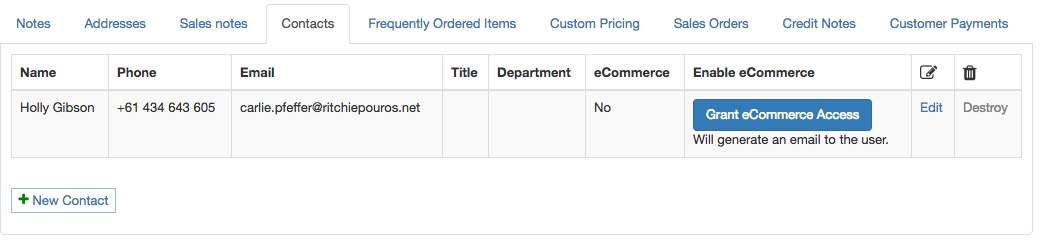
If you have an existing contact with an email address then you can enable eCommerce for them.
If you don't, add a new contact and be sure to enter an email address
Clicking on "Grant eCommerce Access" will generate an email to the contact inviting them to access your eCommerce Portal.
Viewing the eCommerce portal
When viewing a customer, in the middle row of links will be: "eCommerce Portal"

Click on this and you are browsing the eCommerce portal just like you were the customer. You see exactly what they would see.
You don't even need to enable eCommerce for a contact, so you can do a demo with just 1 click.
To get back to the main screen, just click the company name in the top left.
