Help: Printing pick slips and invoices
When printing, it is best to have Adobe Acrobat Reader installed and your browser configured to open PDF files in Acrobat Reader for best results.
If you don't have it installed you can download it for free from here
Configure Firefox
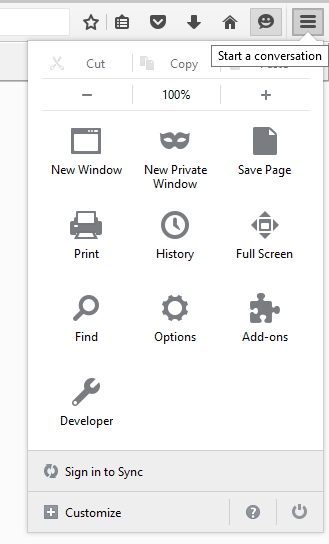
Go to the Firefox menu and select Options.
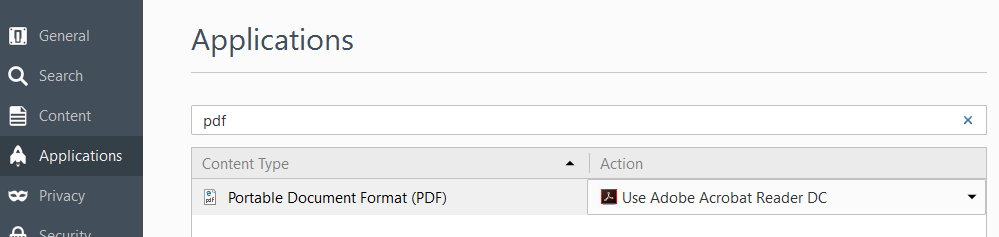
Select Applications from the left menu and type pdf in the search box on the right.
Select "Use Adobe Acrobat Reader DC". If you don't see it in the list, select "Use other" and then "Adobe Acrobat Reader DC".
Configure Chrome
Click the menu button and choose "Settings"
Now search for "pdf" and click on "Content settings..."
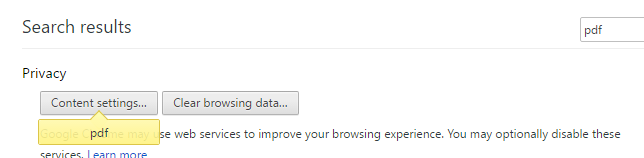
Scroll down to "PDF Documents" and check "Open PDF files in the default PDF viewer application".

