Help: Outstanding Customer Payments
The outstanding customer payments screen allows you to see at a glance how much is currently outstanding and the total amount outstanding across all customers.
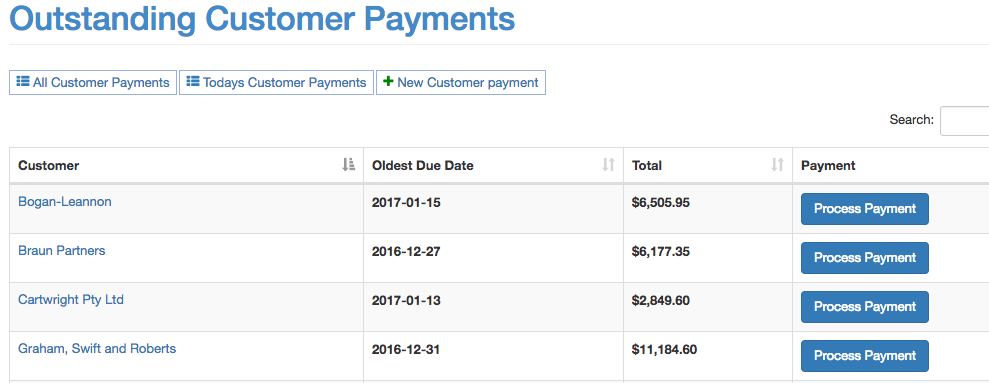
The Total will be total outstanding sales order. It will not include sales orders that aren't overdue yet or any credit notes.
Clicking on the customer name will take you to the customer details page which has a more detailed breakdown.
From here you can click "Process Payment" to start processing a payment for that customer.
