Help: Raise a Supplier Credit note
You can raise a supplier credit note if you need to return goods received from a purchase order.
First go to the purchase order and click "Raise Credit Note"
Enter in the Date of the credit.
Select your inventory that you are applying for credit on.
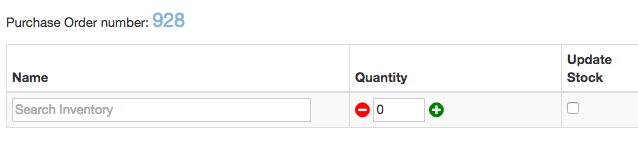
Price and Quantity
Once selected, the current price is put in the price field.
Set your quantity, if you want stock updated and price for return.
Update Stock - this means that the quantity will be removed from the stock level when the credit note is saved as final.

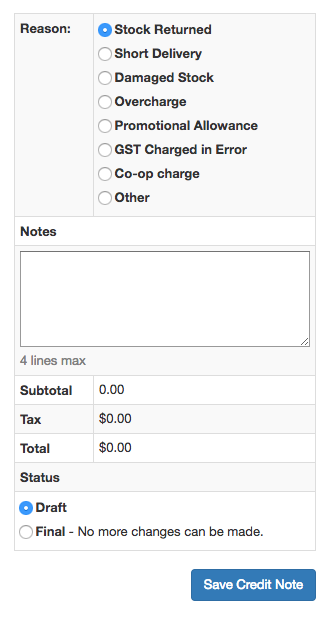
Reason
Select your reason and add any notes.
Save the credit note as draft if you want to come back to it later.
Select Final when all changes are done.
Once the supplier credit note is final you can print or email.
It can also be used in a bill payment when paying suppliers.
