Help: Marking items for ordering or Stock Take
When browsing Inventory you can mark items for ordering or Stock Take simply by clicking the "Mark for Order" or the "Mark for Stock Take" link on the far right hand side of the table.
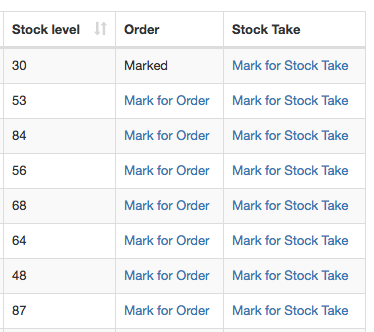
Items already marked will say "Marked" in this column.
