Help: Raising a Customer Credit Note
To raise a credit note for a customer, you must first goto the specific Sales Order the credit note is being raised against.
To search sales orders go to the "Sales Orders" menu and click "Completed Sales Orders"
If you have the sales order number you can search for that. You can also search based on customer name.
Once you have the sales order up, you will see the "Raise Credit Note" link in the top right or at the bottom.

Credit Note form
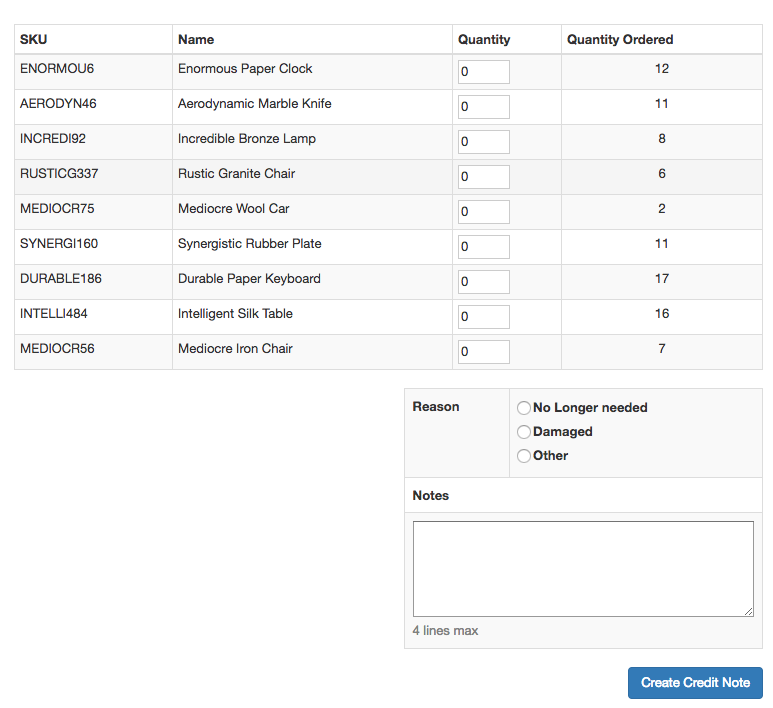
Here you can set the quantity of returned item and the reason for returning as well as any other notes.
Once the credit note is created you can Print or Email it.
