Help: Inventory Bulk Upload
To bulk add inventory, click on "Inventory" on the left hand side and then click "Bulk Upload"
There are 2 types of uploads.
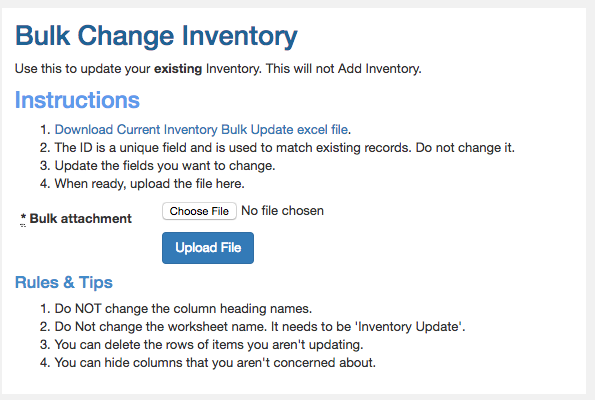
Bulk Change Inventory
Use this to update existing stock. It will not add Inventory.
Downloading the spreadsheet will download your existing inventory.
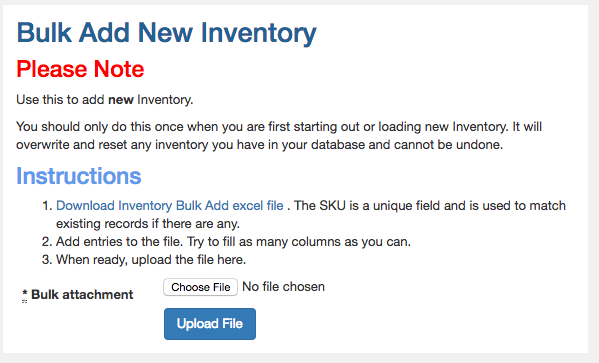
Bulk Add New Inventory
Use this to add New inventory. Only do this once when you are first adding Inventory.
Doing it a second time will overwrite existing data and cannot be undone.
Tips for both types of uploads
You can type in new names in the columns for:
- Type
- Category
- Brand
- Warehouse
These will get automatically created if they don't exist.
Rules for both types of uploads
- Do NOT change the column heading names.
- Do Not change the worksheet name.
- You can delete the rows of items you aren't updating.
- You can hide columns that you aren't concerned about. But do not remove them.
